Web Browser
- Ensure that you are signed out of your beIN SPORTS CONNECT account. Click on 'Login / Subscribe'.

- Click on 'Email / Mobile number' to log in.
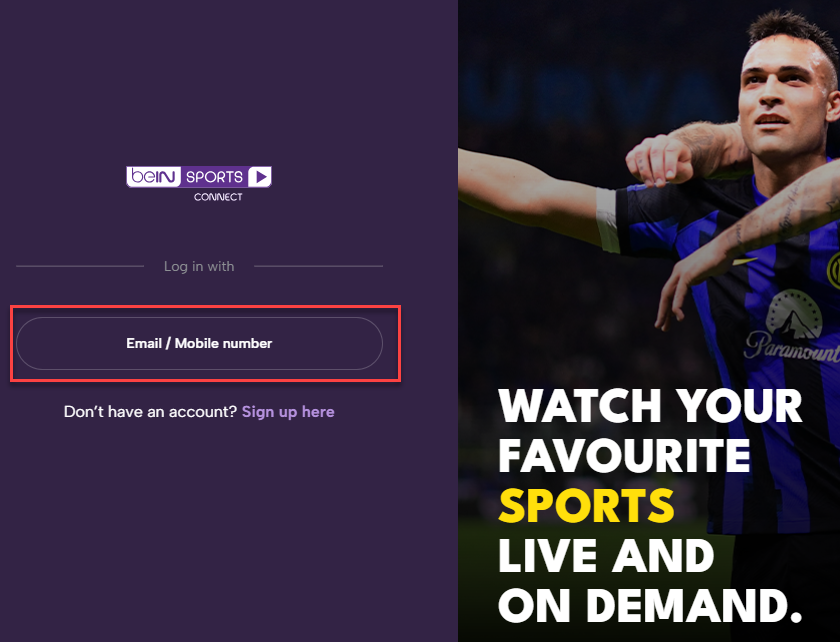
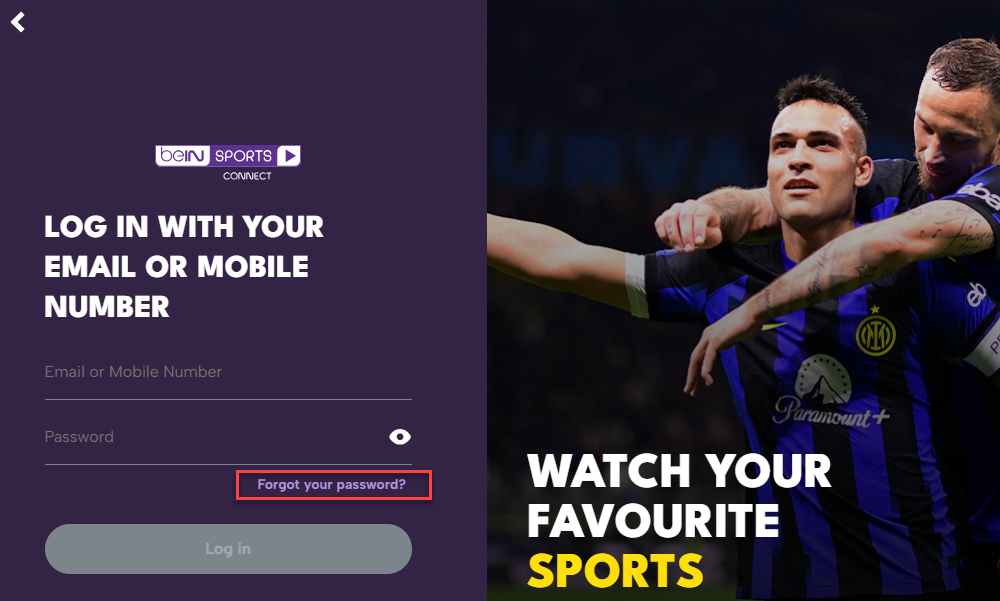
- Click 'Forgot your password'.
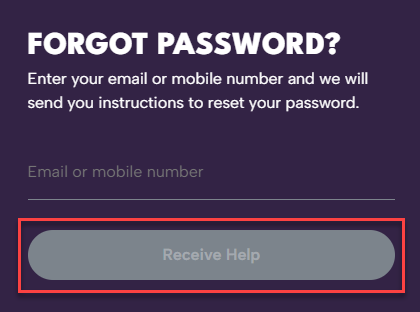
- Enter your registered email or phone number and click 'Receive Help'.
- Check your email / phone for verification link / code.
- Create a new password.
Mobile Apps
- Ensure that you are signed out of your beIN SPORTS CONNECT account.
- Tap on the Profile icon at bottom right corner. Tap on 'Sign up / Log in'.
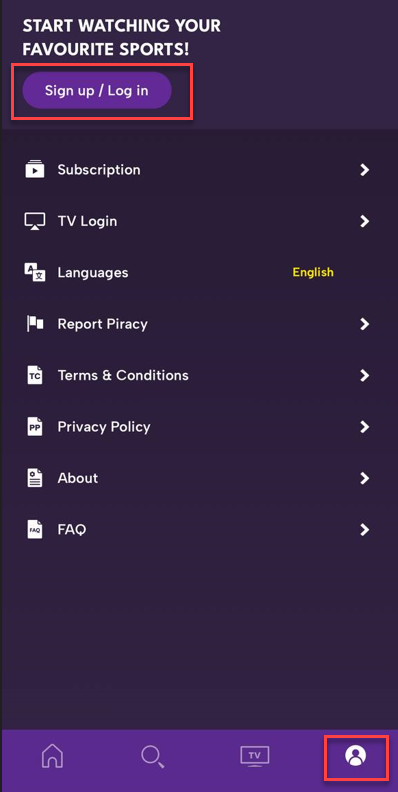
- Tap on 'Email / Mobile number' to log in.
- Tap on 'Forgot your password?'.
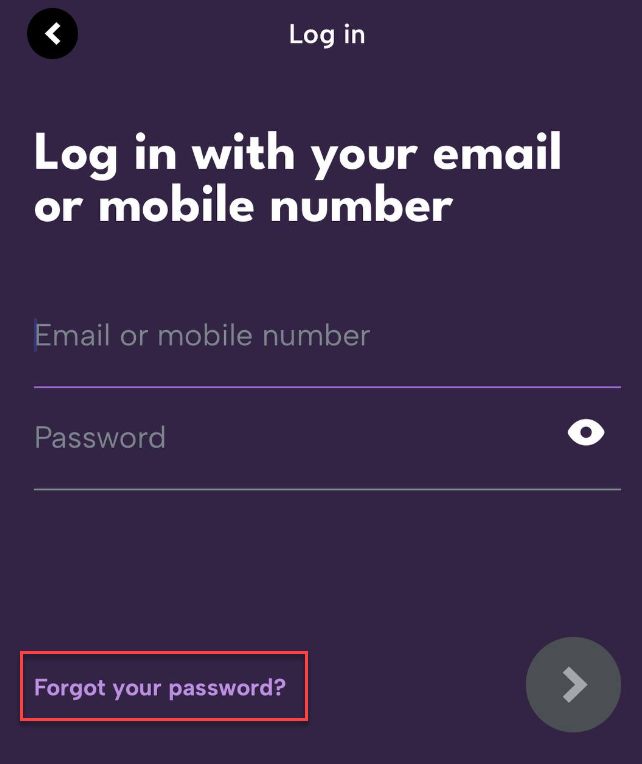
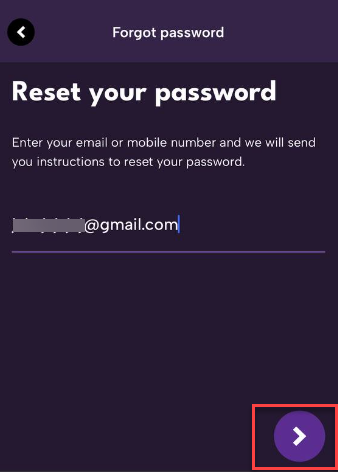
- Enter your registered email or phone number and click the arrow button.
- Check your email / phone for the |verifiation link / code.
- Create a new password.
Recommended Password Requirements:
- Minimum of 6 characters
- A mix of uppercase and lowercase letters
- At least one number
Was this article helpful?